Java 8 is expected in September 2013 and will include at a minimum the features that were planned for Java 7 but later deferred.
Language-level support for lambda expressions (officially, lambda expressions; unofficially, closures) under Project Lambda.There was an ongoing debate in the Java community on whether to add support for lambda expressions. Sun later declared that lambda expressions would be included in Java and asked for community input to refine the feature.
Parts of project Coin that are not included in Java 7
Year 2012 was the start of JVM languages where Scala picked up pretty well. There are positive development on Akka, Play 2.0, Groovy, Closure, JRuby and Kotlin. It all depends on the developers and how the consolidation and adoption of these languages will look like in 2013.
3. Integration of JavaScript in Java language
OpenJDK will be integrating JavaScript in Java SDK and will make it part of Java 8. There are chances that Node.js will get entry into this development.
4. Improved performance with GPU
OpenJDK has initiative/project (Sumatra) which tries to improve the performance by utilizing GPU.
5. Java in the cloud
With the advent of frameworks like IaaS and PaaS, there is possibility of introducing jcloud in Java SE8. There might be more 3rd party cloud providers in supporting the java in the cloud.
Here are the 3 different ways (by Anson Alexandar) to take screenshot on Mac laptops.
1. Whole Screen, press "Command + Shift + 3": it takes screenshot of whole screen
2. A region on the screen, press "Command + Shift + 4": changes mouse pointer which helps to select a specific region of the screen and takes snapshot when mouse click is released
3. A window, press "Command + Shift + 4 + Space Bar": changes mouse pointer to camera icon. now click on any window and it takes snapshot of that window
Note that these screenshots will get saved on desktop.
Git is an open source distributed version control system.
The screen shots were taken from youtube presentation by Scott Chacon.
Traditional version control systems used to have a single storage where all the developers used to connect and operate. This lead to a single point of failure.
In git, there is no single server which maintains the history. All parties/developers's machine become node in the distributed system and they can work in isolated fashion as well. Basically the system behaves as loosely coupled.
Below is the comparison between traditional VCS and Git. Git stores the file contents along with the checksum which relieves it from managing the change log and plenty of indirected connections between file versions.
Git stores all the checksum as directed graph which helps it easily identify what and how to merge code.
Below are the basic commands for doing any file modifications:
when we do 'git checkout' it creates index database and then creates a local directory where stores all the contents. Running 'git add' puts the file contents along with the checksum in the Index database. The final 'git commit' does a commit from Index database to local repository. Note that 'commit' doesn't look at the local files, it only looks at Index database for final commit to repository. What it means is after doing 'add', we can delete the local file however 'commit' will still continue without loosing the change.
Merging: git does merging by looking at the changes between current branch 'master' and the branch to be merged 'branchA'. It basically walks through the directed graph and tries to find the common ancestor. If found then it does a fast-forward merge which means it moves the head pointer to 'branchA'.
Simple merge (fast forward). merge of branch iss53:
Simple delete: if Head can reach the branch directly then it deletes else skips. so it has a safety mechanism.
git branch -d iss53
i18n can't be reached from head so using below command forcefully deletes it. Hard delete.
git branch -D i18n
steps of code push.
scott pushes the change
git does a fast-forward merge in origin master repo because it sees a common ancestor between origin master and scott's master.
Now Nick tries to push but that will fail as origin master in Nic's local repo and in origin remote repo are pointing to different commit versions.
so Nick does a 'git fetch' first.
then he does merge. because (pull = fetch + merge).
now things look good and origin master points to right commit version. and hence the collaborated delivery completed gracefully,
How to create Aliases?
Git subsets
answer is: git log i18n ^master
What is the change in iss53 which is not in i18n?
answer is the highlighted commit histories:
...Quizes...
Git Incoming? its the change which is in origin/master and not in local master. solution: fetch will pull in the change.
here is how to check what changes we are missing in local:
git log origin/master ^master
Git outgoing? its the change which is in local master and still not got pushed to origin/master. solution: git push will deliver the change
here is how to check what changes we still did not merge to origin/master from local:
Adding an Application to the Right Click on Every Folder
Here is how to add any application to the Context Menu when you right click on any Folder. This way you do not have to always go to the Start Menu. When you right click on any folder, you can have access to that application, the same as using Sent To.
1. Open RegEdit 2. Go to HKEY_CLASSES_ROOT\Folder\shell 3. Add a new Key to the "Shell" Key and name it anything you like. 4. Give it a default value that will appear when you right click a folder, i.e. NewKey (use an "&" without the quotes, in front of any character and it will allow you to use the keyboard) 5. Click on the Key HKEY_CLASSES_ROOT\Folder\shell\NewKey 6. Add a New Key named Command 7. Set the (Default) value of the application you want to run 8. For example: c:\program files\internet explorer\iexplore.exe (Include the full path and parameters if you need them)
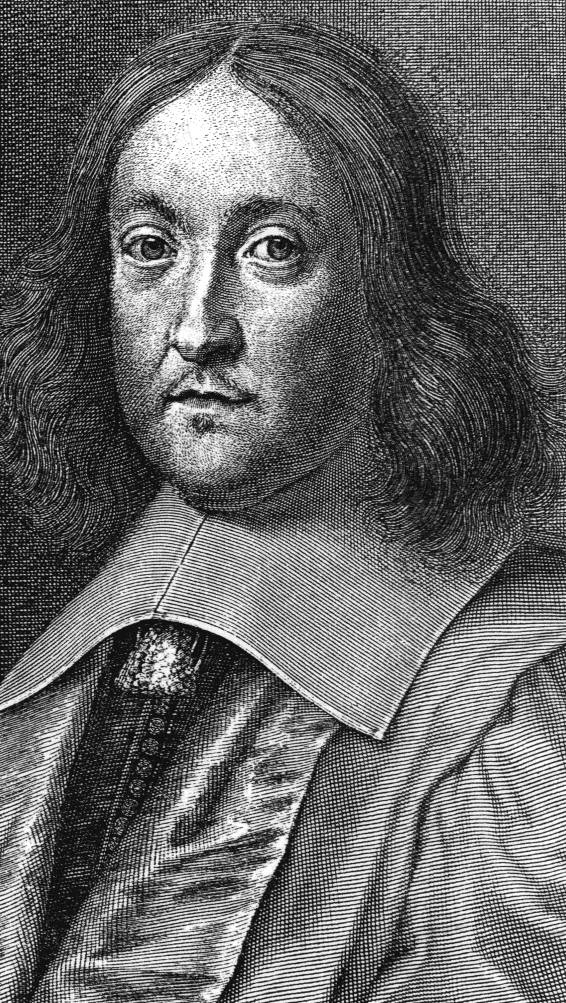
Fermat's last theorem was "states that no three positive integers a, b, and c can satisfy the equation a^n + b^n = c^n for any integer value of n greater than two".
here is the puzzle:
A computer scientist claims that he proved Fermat theorem is correct for the following 3 numbers:
x=2233445566, y=7788990011, z=9988776655
He declared that the below equation satisfies for N: x^N + y^N = z^N
Later the scientist was proved wrong by a 10 year old kid. How come he do that even without the help of the computers?
Here is the solution:
x=2233445566, y=7788990011, z=9988776655
square the last digits of each numbers and notice that the last digit of the result remains same. which proves that for any value of N, the last digits remains same.
6 * 6 = 36 , 1 * 1 = 1 , 5 * 5 = 25
hence x^N ends with 6, y^N ends with 1, z^N ends with 5
try out the equality with the last digits: 6 + 1 != 5
this proves that the values of x,y and z doesn't satisfy Fermat's theorem.